 SynaptoVision
01 / Camera inputConfigured source
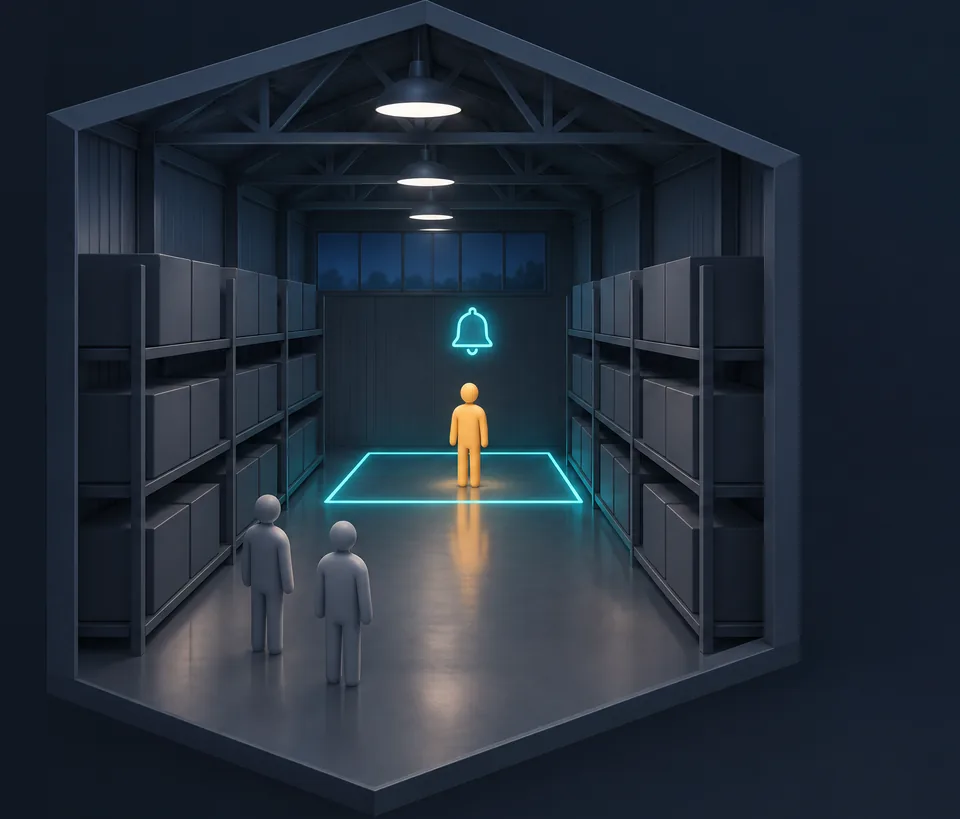
A selected camera area raises an alert.

SynaptoVision alerts your own staff when someone enters a restricted area in the camera areas you select, during hours you set. Your team decides what to do.
Warehouse scene shown is illustrative.
A selected camera area raises an alert.
You choose the restricted area on each camera, and we agree the hours with you.
We set it up with you and test it before it goes live.
An AI model writes a short report that goes with the alert; if it can't, a plain summary goes out. People make the decision.
Alerts for restricted areas in the camera areas you select, during the hours agreed, go to your own team by phone and e-mail.
The alert e-mail names the camera and carries the time and the picture.
Your team owns the response.
Follow a selected event from camera context to evidence and responder review.
Supporting evidence helps the operator understand the configured scenario before deciding what to do next.
Bring a configured camera event to attention.
Give the operator context to assess it.
Support the responsible team’s next step.
A configured event is brought to the authorised site team with the evidence needed for review. The person—not the system—chooses the next step.
Configured scenario · evidence available
Kept for context in the alert list.
Time, configured scenario, and supporting evidence are presented together for the authorised responder.
Evidence ready for review
Step 1 of 3 · A selected event appears for review.
Validate the camera and network path at the site.
Authorised team member reviews context.
Open reviewChoose a focus area.
A paid 4-week pilot: one site, up to 3 of your existing cameras, where they can be connected, alerts to your own team by phone and e-mail.
Tell us about your warehouse, your cameras and the area you want covered.
Book a warehouse pilot